What makes a strong LinkedIn headshot
A LinkedIn photo should make you look credible, approachable, and easy to recognize. It needs a clear face, simple background, professional clothing, and lighting that feels premium without becoming artificial.
Create clean, professional profile photos for LinkedIn, resumes, founder bios, and job-search pages. The look is polished but still natural, so your profile feels current and trustworthy.

The goal is not to generate random portraits. It is to create a focused profile photo set for one real use case.
A LinkedIn photo should make you look credible, approachable, and easy to recognize. It needs a clear face, simple background, professional clothing, and lighting that feels premium without becoming artificial.
This workflow focuses on head-and-shoulders and upper-body portraits that work well in small profile circles, resume pages, speaker bios, and company about pages.
We keep real facial structure, age details, and natural skin texture. The result should look like a good professional photo of you, not a different person.
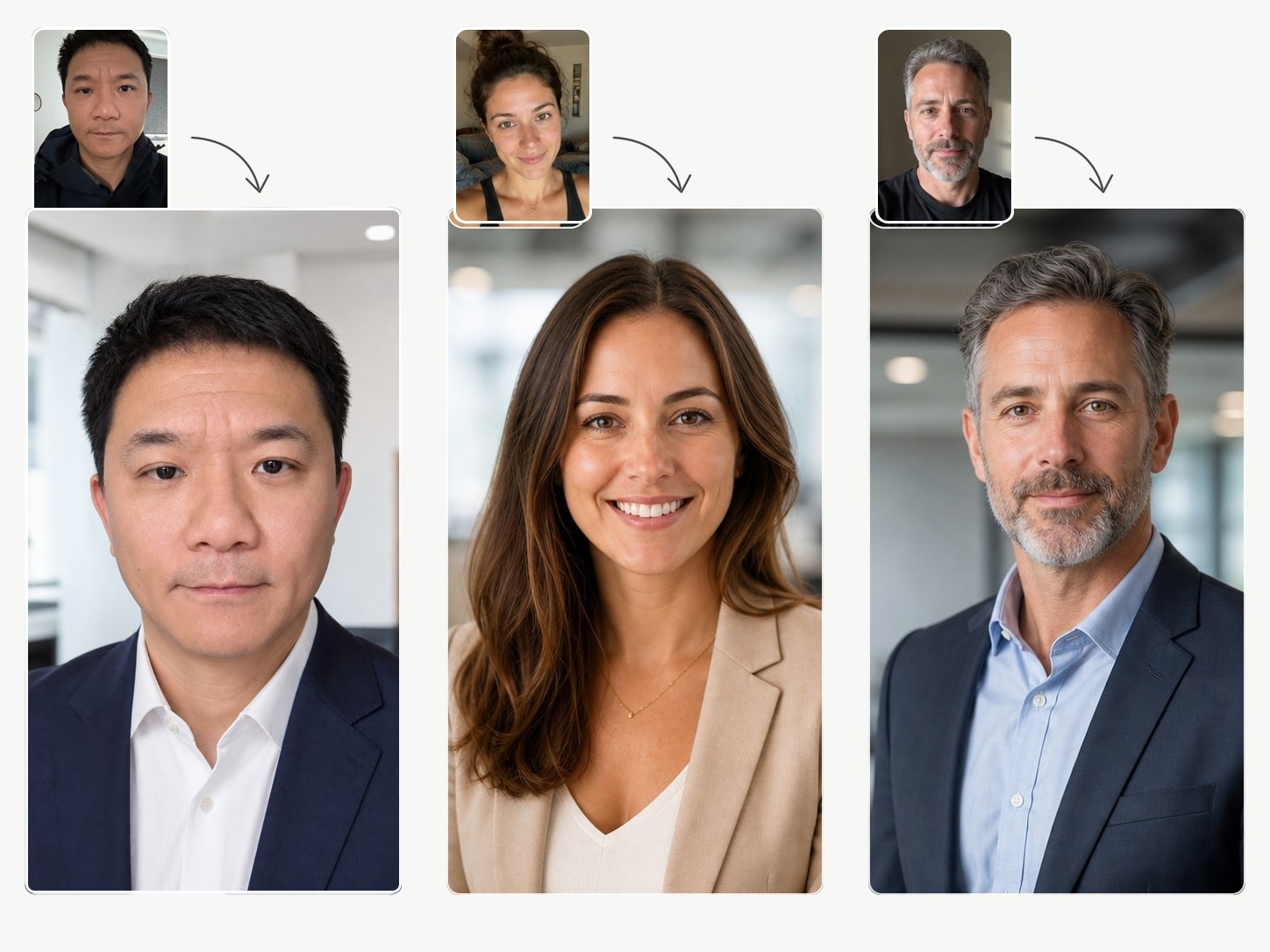
Upload 3-6 clear selfies, choose the profile goal, then generate a private result set. No prompt writing, no studio booking, and no complicated editor.
Yes. The page is built specifically around LinkedIn and professional profile use cases.
The prompts prioritize identity accuracy. The goal is a polished version of you, not a new face.
Yes. The same professional set can work for resumes, founder bios, speaker pages, and job-search profiles.
Use clear selfies you already like. Better source photos give the model a better chance of creating a result you will actually use.