What Tinder photos need to do quickly
People make fast decisions in a swipe stack. A strong Tinder photo should be clear, believable, and flattering without looking like an ad or a heavily edited image.
Your Tinder photos should make it easy for someone to see your face, your style, and a little bit of your everyday energy. ProfileReady creates natural dating app images from 2-4 selfies so you can choose the strongest option.
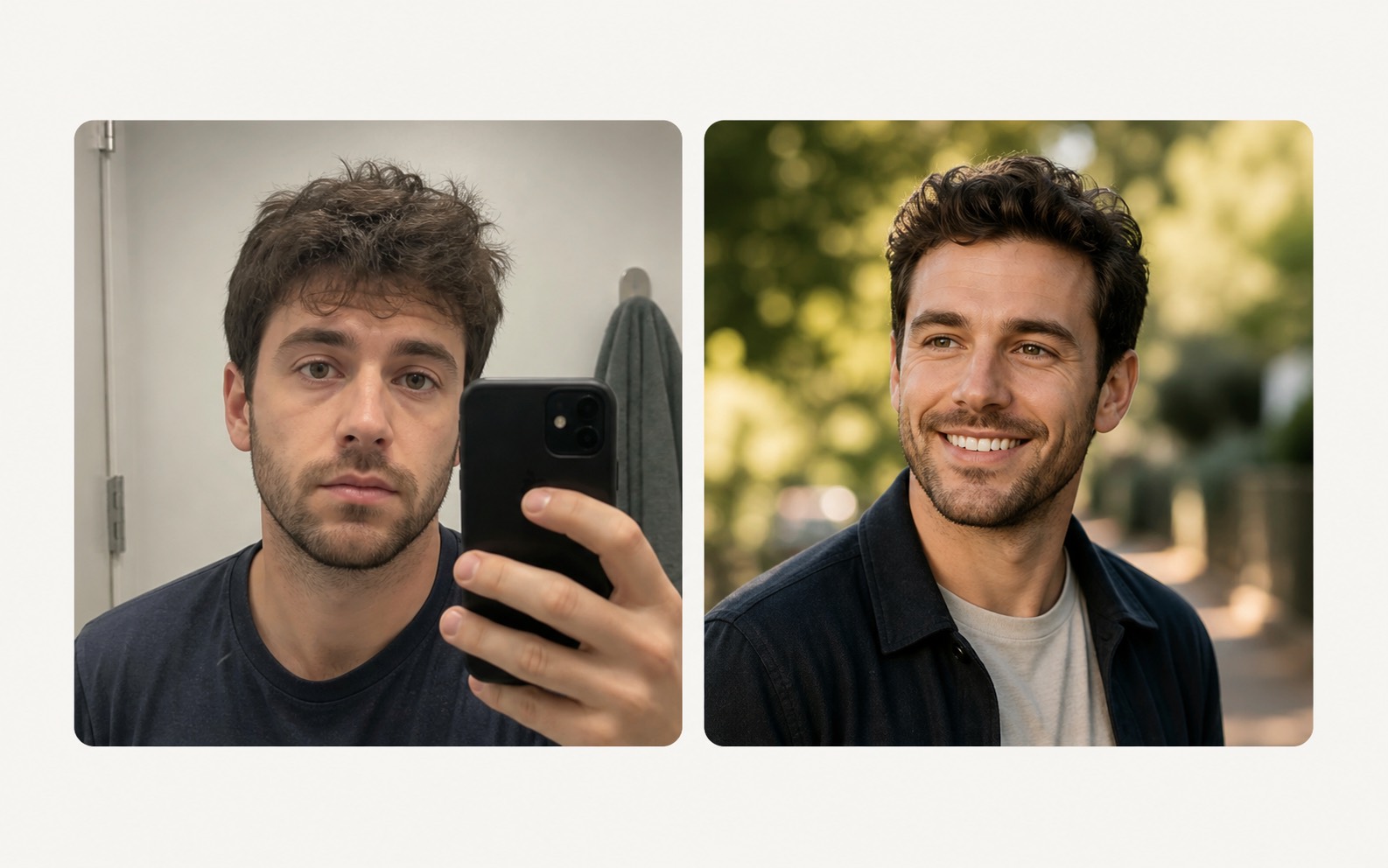
The goal is not to generate random headshots. It is to create a focused profile photo set for one real use case.
People make fast decisions in a swipe stack. A strong Tinder photo should be clear, believable, and flattering without looking like an ad or a heavily edited image.
A useful dating set should not be six copies of the same headshot. We aim for different natural settings, expressions, and compositions so you can pick the photo that feels most usable.
If the uploaded selfies are sharp, recent, and feel like a good version of you, the generated Tinder photos have a better chance of staying recognizable and flattering.
Upload 2-4 clear selfies, choose the profile goal, then generate a private result set. No prompt writing, no studio booking, and no complicated editor.
No. The same dating photo workflow can also work for Hinge, Bumble, and other dating apps.
The prompt direction favors candid phone-photo realism, natural light, and believable everyday scenes.
You can, but clear face photos with good light are better. Avoid heavy filters, sunglasses, and blurry photos.
Use clear selfies you already like. Better source photos give the model a better chance of creating a result you will actually use.